Creating or Updating a Smart Web Instruction
An instruction can be added or updated.
1. Access Smart Web.
2. Click on the Personal Profile tab and log in if required.
3. Click on the Profile tab. The current instruction displays if one has been assigned.
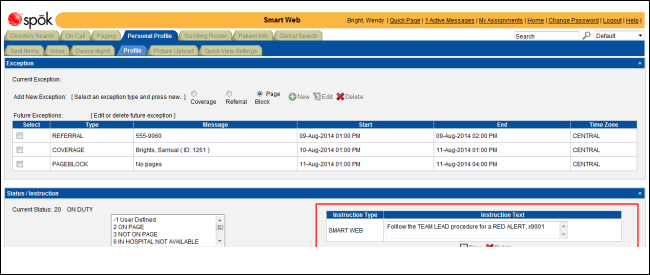
4. You can change the current instruction or enter a new one if the field is blank. Enter the new text in the field.
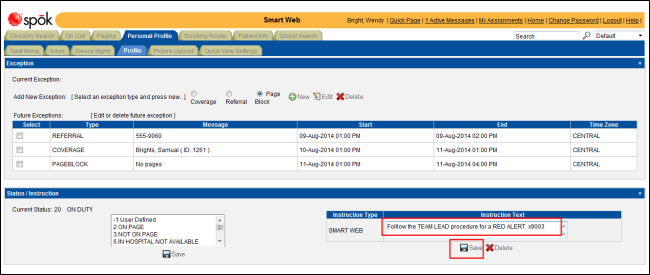
5. Click the Save icon to save the changes to the instruction record. A confirmation dialog displays.
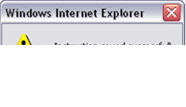
6. Click the OK button to close the dialog.